Image Interlace
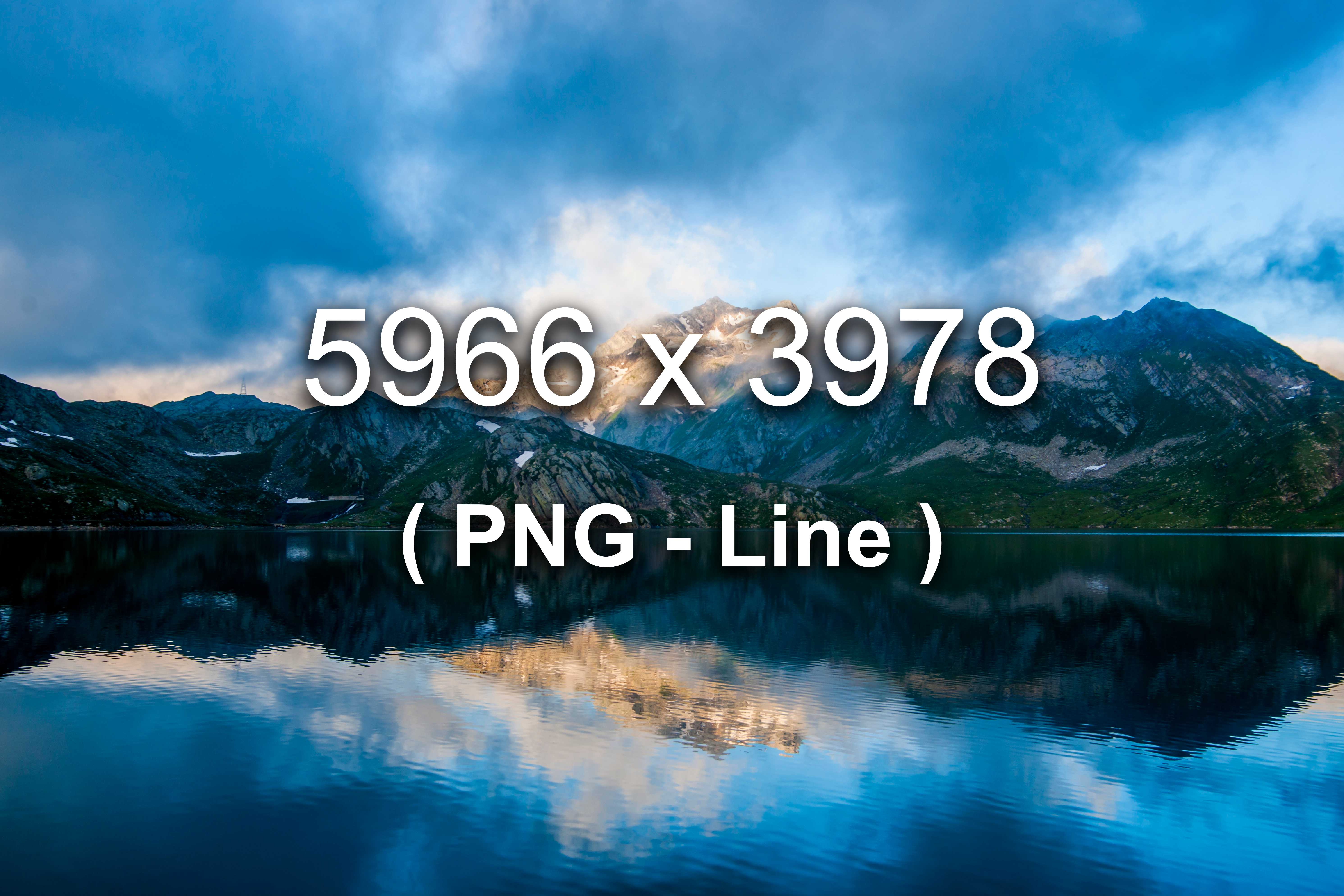
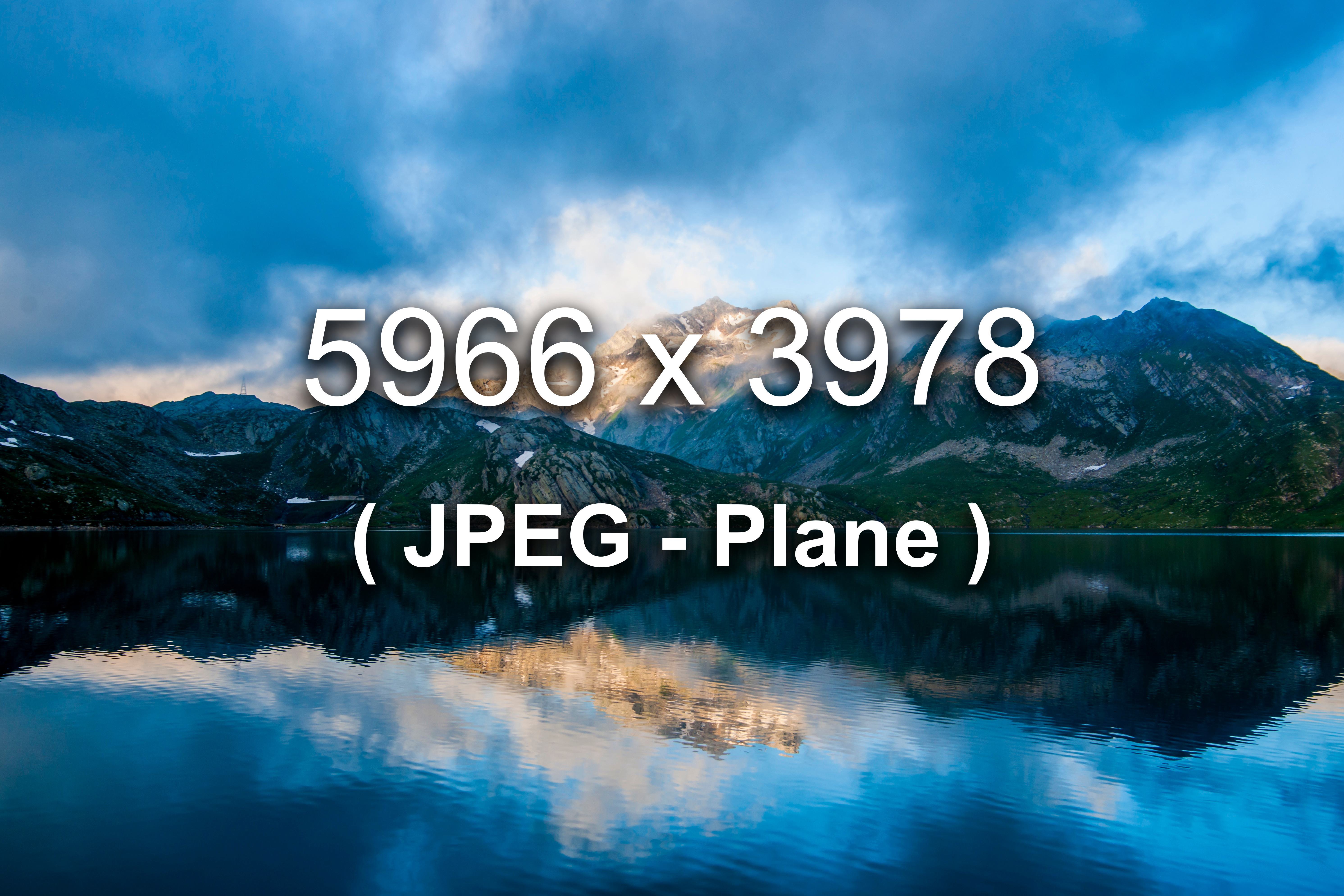
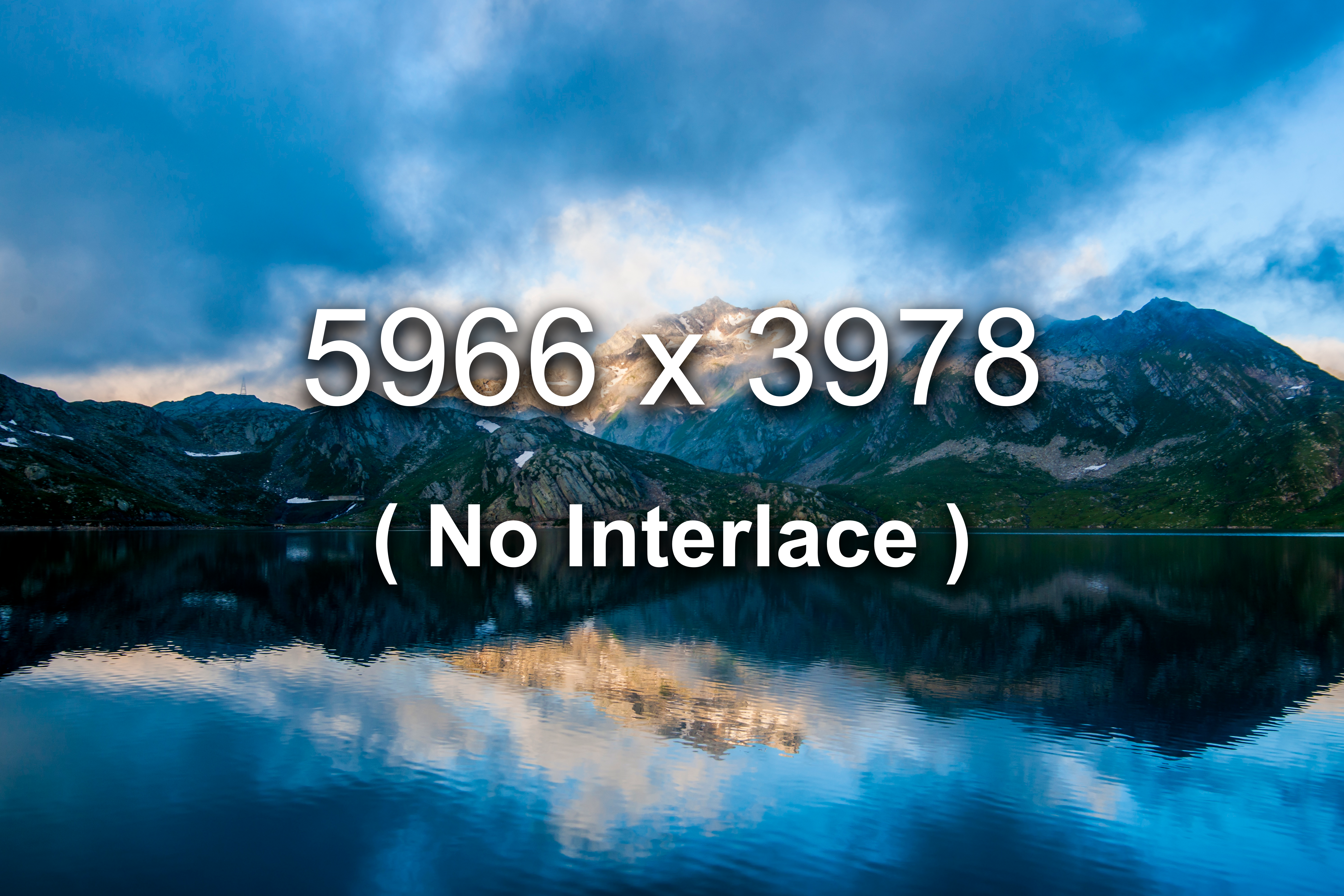
Below are images demonstrating different interlacing modes applied via the build pipeline: PNG Line (Adam7), JPEG Plane (progressive), and baseline files with no interlacing.
Demonstration
These examples are best observed when images load gradually. Please see the How to Simulate Slow Loading section for instructions on simulating a slow network connection in your browser.
PNG (Adam7 Interlaced)
JPEG (Progressive, Plane)
Baseline (No Interlace)
How to Simulate Slow Loading
To clearly see the difference between PNG Adam7 interlacing, JPEG progressive encoding, and baseline images, you should load this page with a throttled network connection. Modern browsers allow you to simulate slow bandwidth in their developer tools:
Google Chrome / Edge
- Press
F12to open DevTools - Go to the Network tab
- Find the Throttling dropdown
- Choose Slow 3G or add a custom profile (e.g. 500 kbps)
Firefox
- Press
F12 - Open the Network panel
- Click the No Throttling dropdown
- Choose Regular 3G or Custom
Safari (Mac)
- Enable the Develop menu in Safari preferences
- Go to Develop → Network
- Select a throttling option like 3G or Custom
With throttling enabled, reload this page. You'll see how PNG interlacing paints in a checkerboard-like fashion, JPEG progressive shows a blurry full image that sharpens in passes, and baseline images load top-to-bottom.
Configuration
Interlacing is controlled via option.image.interlace in config.json. Global rules apply to all PNG and JPEG files, while specific overrides are added for the image_interlace example folder:
"option": {
  "image": {
    "interlace": [
      { "mode": "Plane", "pattern": "**/*.{jpg,jpeg}" },
      { "mode": "Line", "pattern": "**/*.png" },
      { "pattern": "asset/image/content/example/image_interlace/**/*_line.png", "mode": "Line" },
      { "pattern": "asset/image/content/example/image_interlace/**/*_plane.{jpg,jpeg}", "mode": "Plane" },
      { "pattern": "asset/image/content/example/image_interlace/**/*.{png,jpg,jpeg}", "mode": "None" }
    ]
  }
}
Sources
Photo Gallery
The gallery on this page is powered by the PhotoSwipe JavaScript library. For more information, see the Photo Gallery example page.
Example Image Source
| Image | Name | Source |
|---|---|---|
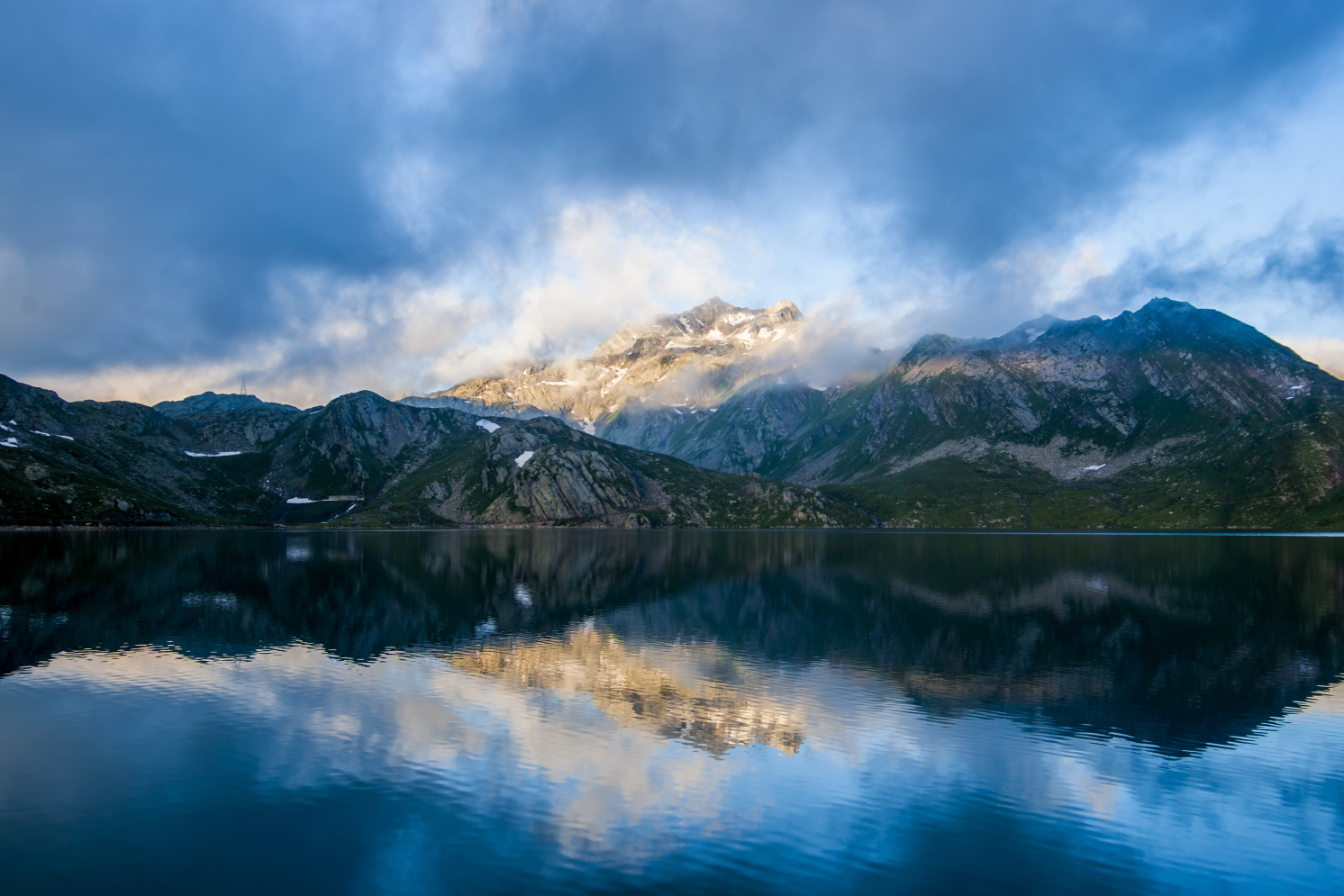 | landscape-mountains-nature-lake.jpeg | Source: https://static.pexels.com Original Link ( no longer exists at this location ): https://static.pexels.com/photos/4062/landscape-mountains-nature-lake.jpeg |
